
What we support in-store
Everything Aera supports in store: the cards and wallets you can accept, the terminals, the ways to connect them, and everything an Aera terminal can do beyond taking a payment.
Aera gives merchants, POS providers, PSPs and platforms everything they need to take payments in physical stores: modern Android terminals, the cards and wallets customers carry, and flexible ways to connect them to your checkout.
Part of a unified commerce platform
Your terminals don't stand alone. Aera In‑Store Payments runs on the same payment platform as your other sales channels, so you:
- keep the payment and customer experience consistent across channels
- manage terminals, settings, transactions and users in one place, the Aera portal
- get all your reports in one place, or straight into your own systems with the Reporting API
- route payments centrally across acquirers and PSPs
Terminals for every counter
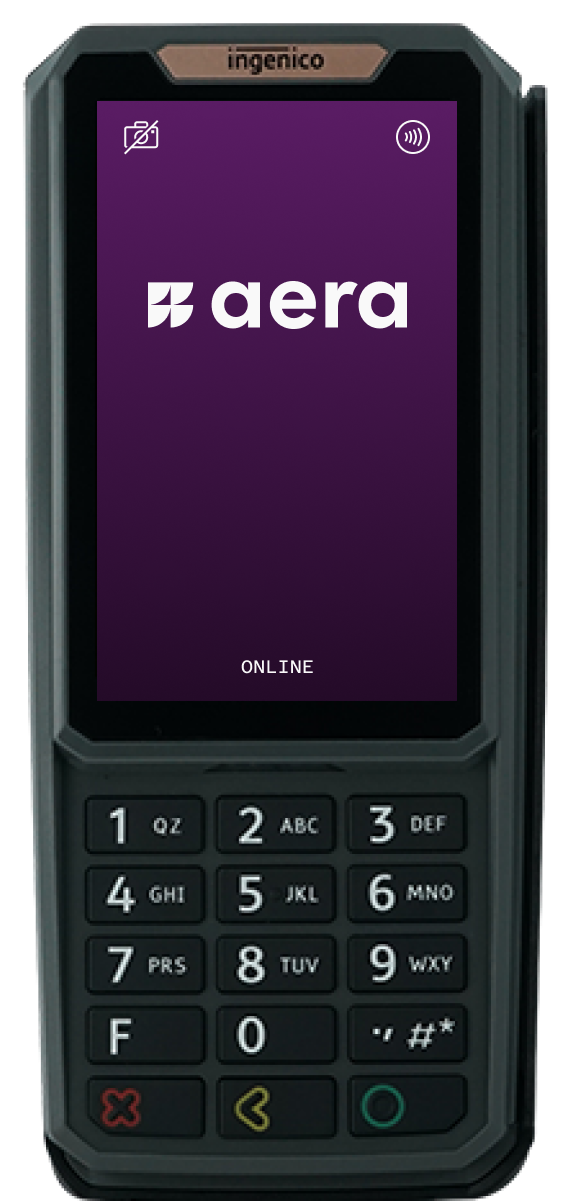
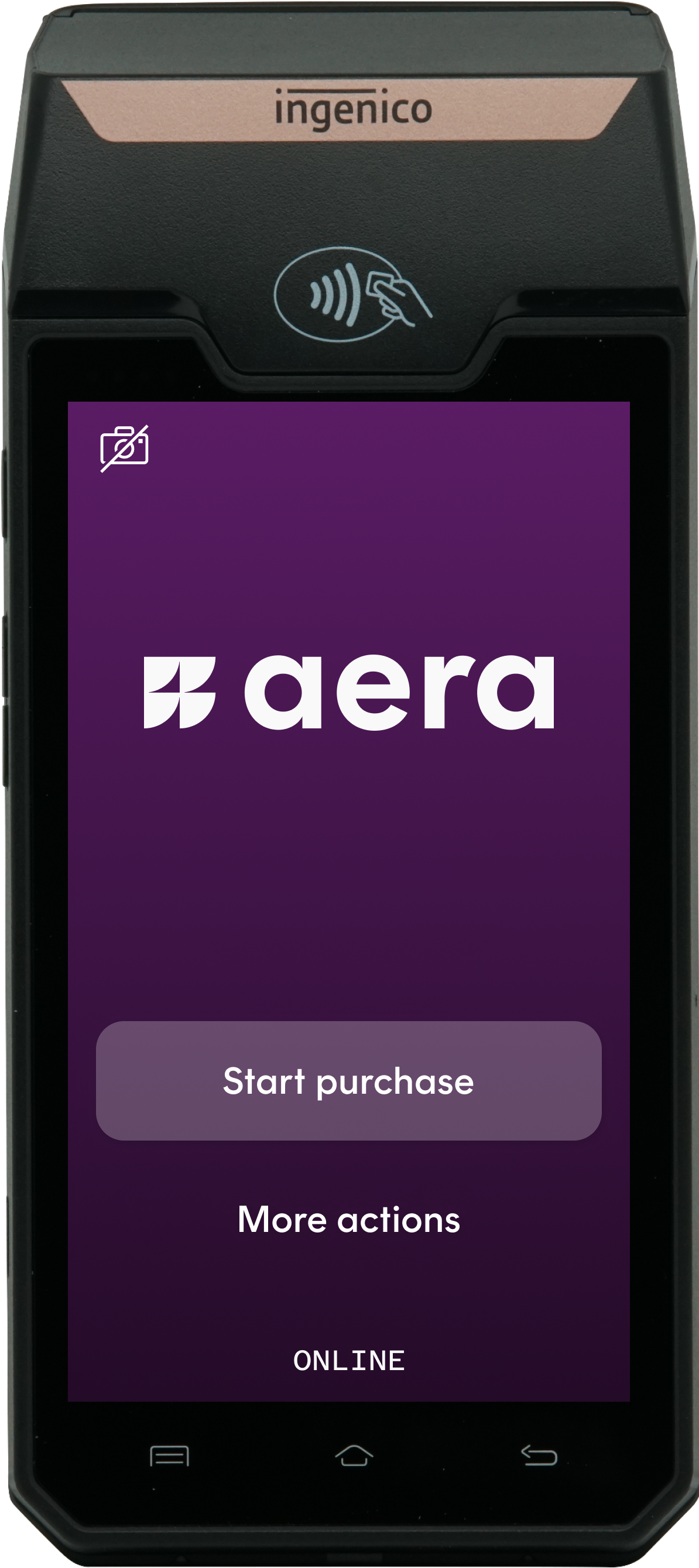
Both terminals run Android on the Ingenico AXIUM platform, are PCI PTS v6 approved, and take contactless, chip and magnetic stripe cards.
Countertop PIN pad with a 4-inch touchscreen and a physical keypad. Built for busy checkouts, self-checkouts and kiosks.
Portable terminal with a 5-inch touchscreen, built-in printer, 4G and Wi-Fi. Take payment at the table, in the queue or on the shop floor.
Need stands, poles or cables? See Terminal Accessories.
Efficient and flexible terminal user flows
Our proprietary terminal payment application enables us to set up different flows, adjust branding and more. Select and get to know different flows in the simulator below.
- 1TerminalReadyLogged in, waiting for your ECR
- 2ECRPayment requestRequestedAmount 10.00, PaymentType Normal
- 3TerminalDisplay: WAITING_FOR_CARDShow it on the cashier's screen
- 4CustomerTaps the cardContactless, chip or swipe
- 5TerminalDisplay: WAITING_FOR_PINShow it on the cashier's screen
- 6TerminalDisplay: HOST_CONNECT, HOST_RECEIVEConnecting, then waiting for the answer
- 7TerminalPayment responseAeResponseCode 000: approved
Connect it your way
Your ECR talks to the terminal through AIC, installed in the store.
Your ECR backend talks to the terminal through Aera's cloud. Nothing to install in the store.
No ECR needed. Use the terminal on its own, with its built-in printer for receipts.
Terminals connect over Ethernet, Wi-Fi or 4G, or share the ECR's network with a single USB cable using IP over USB.
Keep selling when the internet is downTerminals approve payments offline and send them later. Card schemes handles this in different ways for cards and tokenized cards (available through e.g. ApplePay), and IP over USB keeps terminals connected if the store network fails. See Offline payments and backup.
Accept the cards and wallets your customers carry
Visa, Mastercard, Maestro, American Express and more.
Bancontact in Belgium and BankAxept in Norway, including BankAxept cash services.
Apple Pay, Google Pay and Samsung Pay.
Monizze, Pluxee and Edenred meal vouchers, plus iGive and Nets gift cards.
Serving visitors from abroad?With Dynamic Currency Conversion (DCC), customers with foreign cards can pay in their own currency, right on the terminal.
Available payment methods depend on country, PSP and terminal configuration. See Payment methods and card brands.
More than a payment terminal
The terminal is your customer-facing screen. Use it for loyalty, membership and more, in the same flow as the payment.
The card the customer pays with is also their membership card. Your POS gets the member number before the payment, and the customer taps only once.
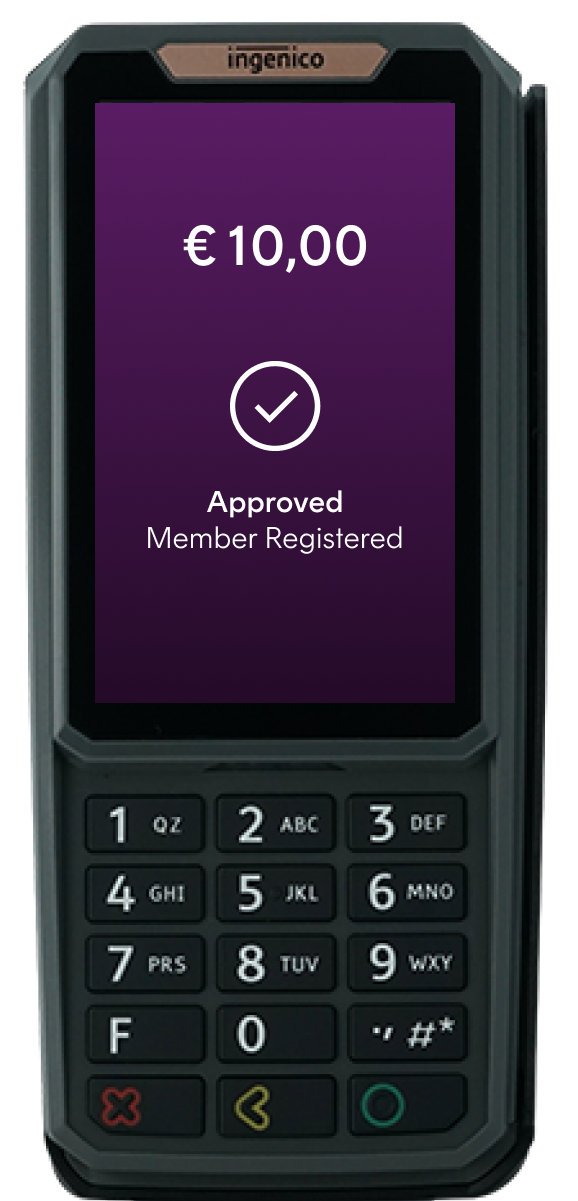
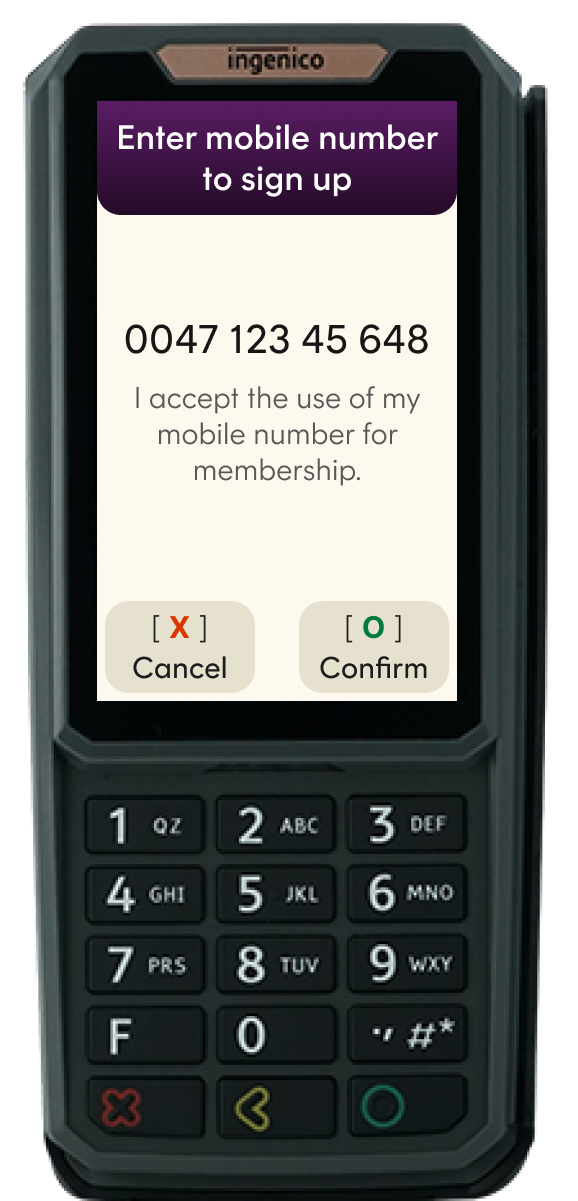
Customers who aren't members yet accept the terms and enter their mobile number on the terminal, then finish signing up in your loyalty program.
Member data is kept in your own ID Vault at Aera, and your loyalty program keeps it up to date through the Identity Services API. Members are recognised with the physical card and with the same card in a mobile wallet. Depending on your agreement, members of a partner's program can be recognised too. See Loyalty and ID lookup.
Cashback with a purchase, cash withdrawal and cash deposit.
Activate, load and check the balance of gift cards.
Voice guidance, high contrast, larger text and headset support, ready for the European Accessibility Act.
Show your own logo on the terminal's idle screen.
Accept only certain cards for a payment, for example meal vouchers.
A checkout that stops is a sale lost. Learn how we prevent it when stuff goes wrong.
Every terminal also supports refunds, reversals, automatic software updates and reconciliation. See all settings in Features and configuration options.
Already on your cashier system
These cashier system providers already have an integration with Aera terminals for one or more merchants. With one of them, you need little or no ECR integration of your own.
Get started
For ECR providers and partners: build and test with an Aera test kit, then get approved.
For merchants: set up your Aera account, get terminals installed and go live.
Talk to usWant to know what Aera can do for your stores? Email [email protected] or contact your Aera representative.
Updated 4 days ago