
Branding in terminal display
Requirements for showing your own logo on the terminal idle screen, part of Aera's Terminal White Label solution.
Preliminary solutionSoon you will be able to upload the logo you want displayed in your terminal through the Aera portal.
As part of Aera's Terminal White Label solution, you can replace the default logo on the idle screen with your own.
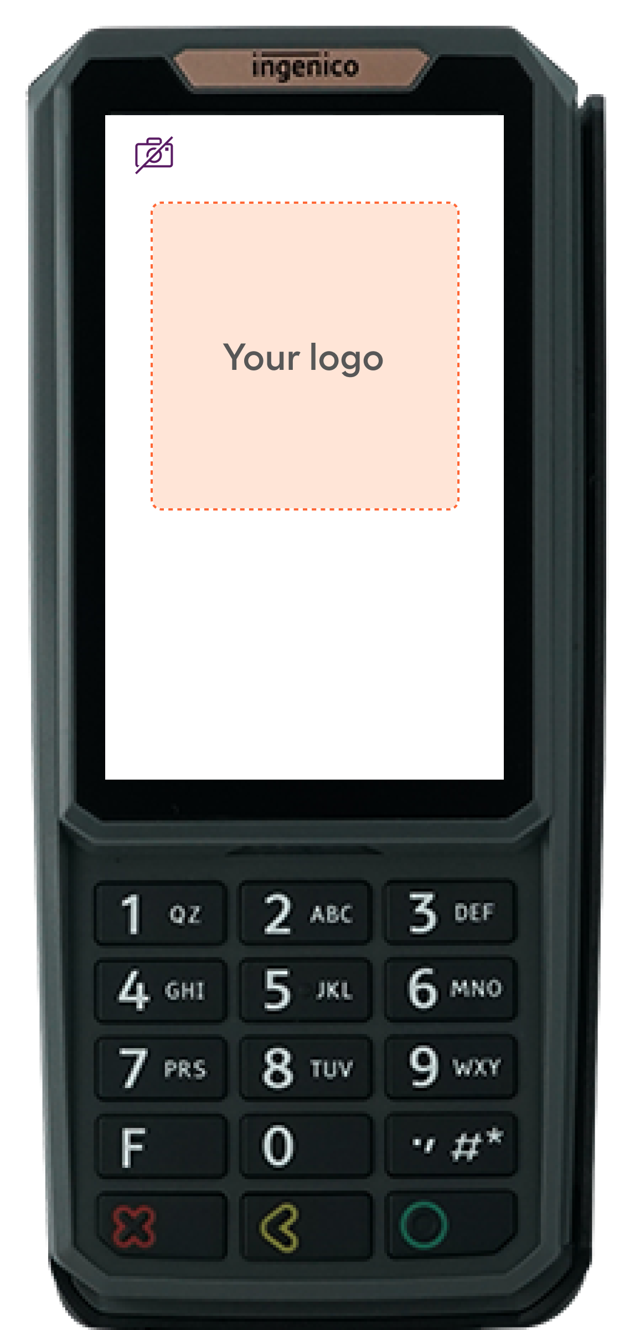
Logo requirements
| Requirement | |
|---|---|
| Size | At least 300 × 55 px (this is also the recommended size). Smaller logos may be rejected |
| Formats | WEBP and SVG. Send both if possible |
| Quality | High quality, optimised for digital screens |
| Background | Transparent, where applicable |
| Effects | No animation or effects |
| Rights | You must own or be licensed to use the logo, and follow trademark and branding rules |
How to submit
- Upload both files in the Aera portal (planned), or send them to your Aera contact.
- Aera reviews the logo. Logos that don't meet the requirements may be rejected or need changes.
- Aera deploys the logo to your terminals.
The configuration template also offers welcome messages. Ask your Aera contact.
Questions? Email [email protected] or contact your Aera contact. See Get support.
Updated 19 days ago
Did this page help you?